Finding an effective method for taking notes can be the difference between simply hearing information and truly understanding it. For students, professionals, and lifelong learners, the challenge is to capture key details in a way that is organized, easy to review, and aids in long-term retention. This is precisely where a high-quality Cornell Note Taking Template Word document becomes an indispensable tool, transforming your digital note-taking process from a cluttered mess into a structured system for success. This method, developed decades ago, remains one of the most powerful strategies for active learning, and pairing it with the flexibility of Microsoft Word makes it more accessible than ever.
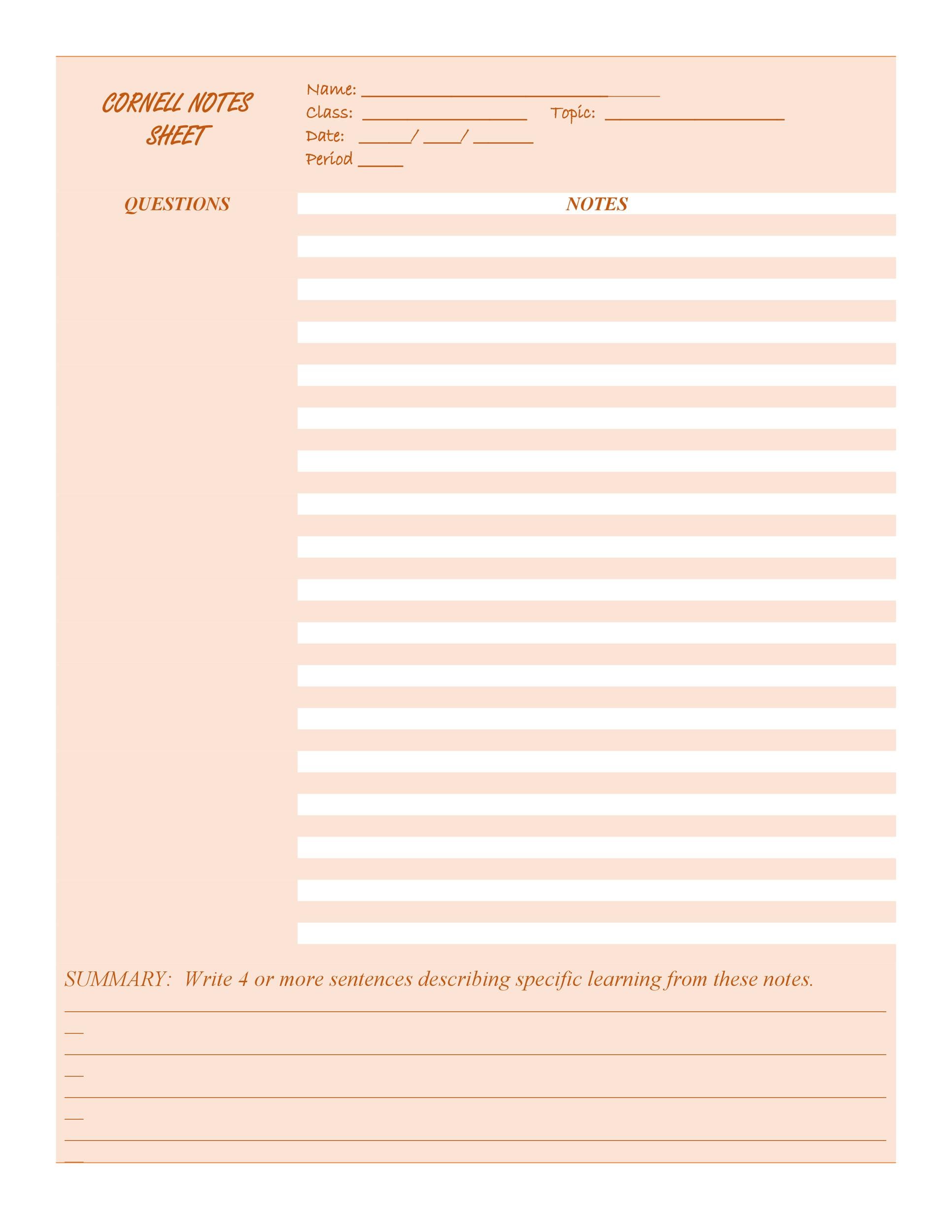
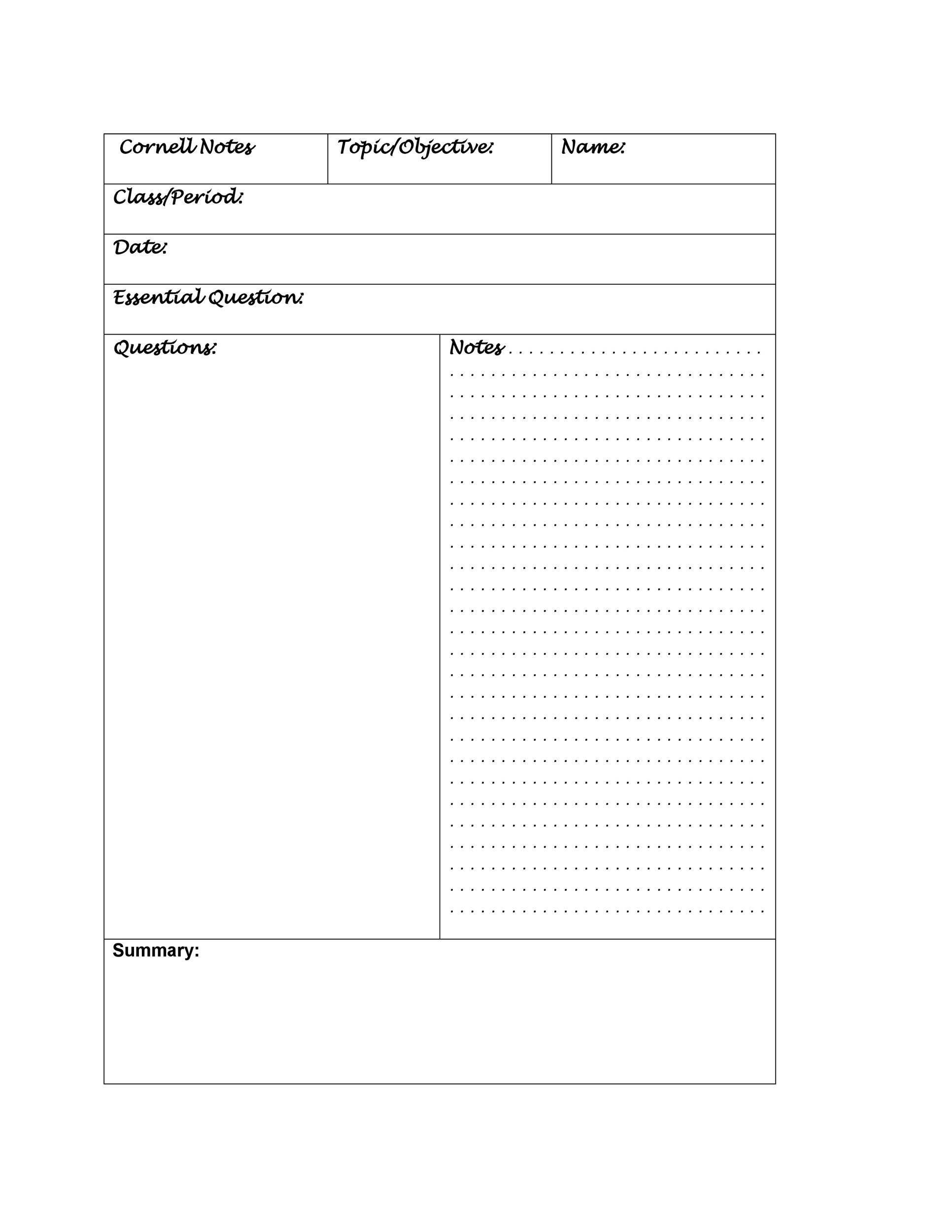
The Cornell Note-Taking System was designed by Walter Pauk, an education professor at Cornell University, in the 1950s. He outlined the method in his best-selling book, How to Study in College. The genius of the system lies in its simple yet highly effective page layout. A single page is divided into three distinct sections: a main area for in-class or in-meeting notes, a narrower column for cues and questions, and a summary section at the bottom. This structure isn't just about recording information; it's about actively engaging with it.
By separating notes from key questions and high-level summaries, the Cornell method forces you to process the material multiple times. First, you record the information. Next, you distill the main ideas into cues. Then, you summarize the entire page. This multi-step process of recording, reducing, reciting, reflecting, and reviewing embeds the knowledge deeper into your memory, making study sessions more efficient and recall during exams or important meetings significantly easier.
The transition from a physical notebook to a digital format offers a host of modern advantages. Using a Word template allows for effortless editing, limitless space, and the ability to search your entire collection of notes in seconds. You can easily insert images, link to web pages, and customize the layout to fit your personal style. In this guide, we will explore the Cornell method in detail and provide you with free, downloadable templates to get you started on your journey to more organized and effective note-taking.
What is the Cornell Note-Taking Method?
The Cornell Note-Taking Method is a systematic format for condensing and organizing notes. Its enduring popularity stems from its foundation in sound learning principles. It encourages you to think critically about the content you're recording, rather than just passively transcribing it. The unique page layout is the key to its effectiveness, prompting a clear and logical workflow for learning.

The History and Science Behind the System
Developed by Professor Walter Pauk, the system was created to help Cornell University students manage the heavy academic workload. Pauk understood that traditional, linear note-taking often resulted in pages of text that were difficult to review and did not promote active learning. The Cornell method directly addresses this by incorporating principles of cognitive psychology. The process of pulling out "cues" from your notes is a form of active recall, a powerful study technique where you actively retrieve information from memory. Writing a summary forces you to synthesize and re-process the information, which strengthens neural pathways and improves long-term retention.
The Three Core Sections Explained
The power of the system is in its simple, three-part structure. Each section has a specific purpose designed to guide you through the learning process from initial capture to long-term review.

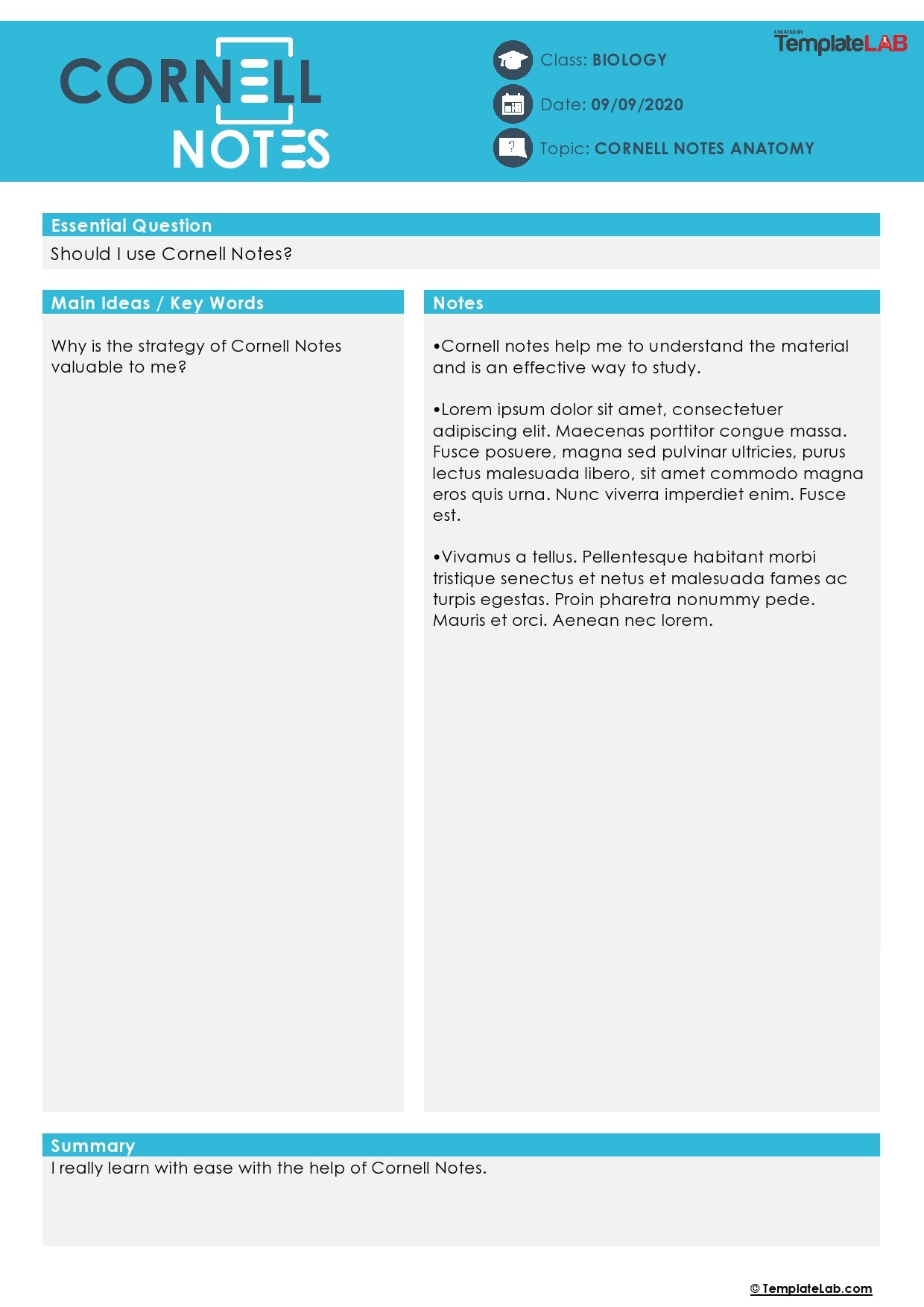
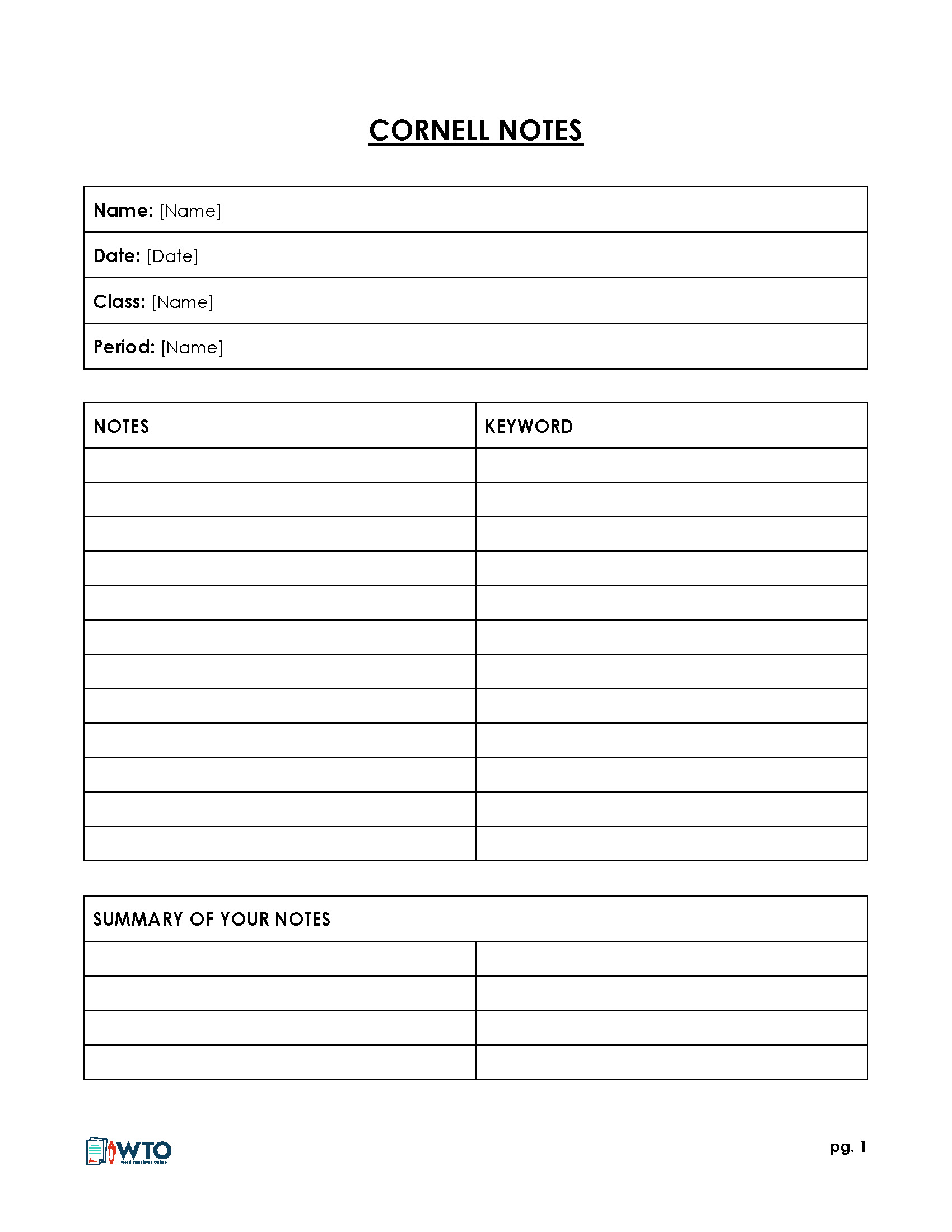
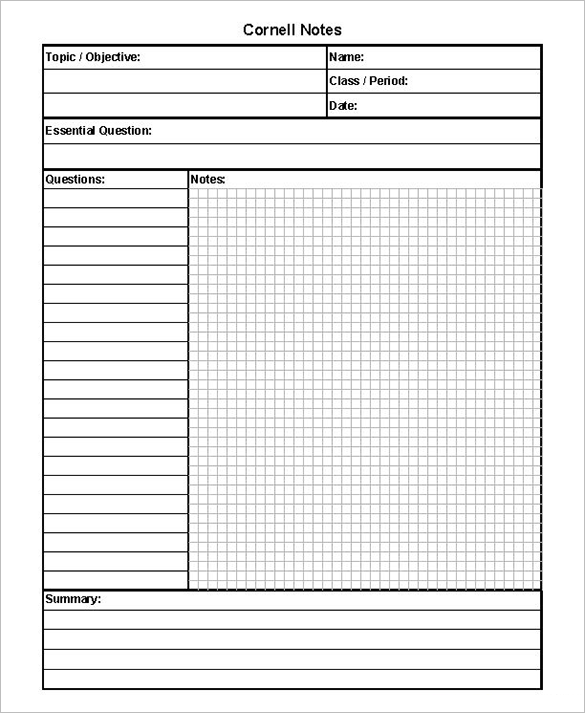
Main Notes Area (Right Column): This is the largest section of the page and is used during a lecture, meeting, or while reading. The goal here is not to write down every single word. Instead, you should focus on capturing the main concepts, ideas, examples, and important details. Use bullet points, abbreviations, shorthand, and incomplete sentences to keep up with the speaker. Leave plenty of space between points to keep your notes clean and readable.

Cues Column (Left Column): This narrower column is your secret weapon for effective studying. After the lecture or meeting, you should review your main notes and pull out the most important keywords, short questions, or main ideas. Write these in the Cues Column next to the relevant information in the main notes area. This step is crucial because it forces you to re-engage with the material and identify the core concepts. When it's time to study, you can cover the main notes section and use these cues as prompts to test your recall.
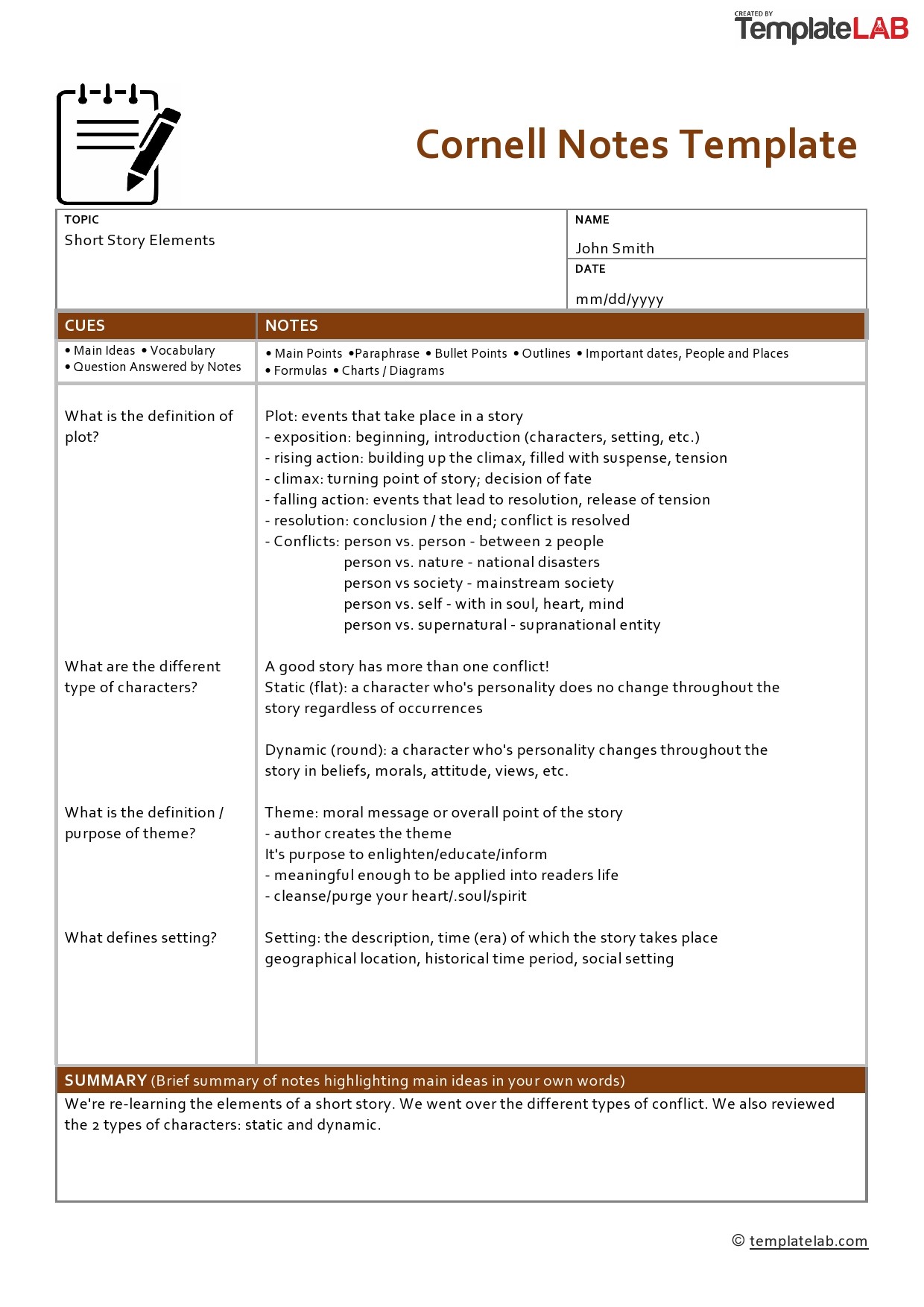
Summary Section (Bottom): The final section is a space at the bottom of the page, typically a few inches high. After you've filled out your notes and cues, take a moment to write a one or two-sentence summary of the entire page. This act of summarization forces you to think critically about the content and distill it down to its most essential message. This section provides a quick-glance overview of the page's content, making it incredibly easy to find specific information when you're reviewing later.
Why Use a Digital Template in Microsoft Word?
While the Cornell method was born in the era of pen and paper, its principles translate perfectly to the digital age. Using a template in a versatile program like Microsoft Word enhances the system's effectiveness by adding layers of convenience, customization, and organization that are impossible with a physical notebook.
The Advantages of Digital Over Paper
Moving your note-taking to a digital format brings significant benefits that streamline your workflow and make your notes more powerful.

Editability and Legibility: One of the biggest drawbacks of handwritten notes is that they are permanent. If you make a mistake or want to reorganize a section, you're left with scribbles and arrows. A Word document is endlessly editable. You can fix typos, insert new thoughts, and drag-and-drop paragraphs with ease. Plus, your notes will always be perfectly legible.
Accessibility and Portability: When your notes are saved as Word files in a cloud service like OneDrive or Google Drive, they become accessible from anywhere on any device. You can take notes on your laptop in class, review them on your tablet on the bus, and make quick additions from your phone.
Searchability: This is a game-changer. Imagine trying to find a specific formula or a key definition buried within hundreds of pages of handwritten notes. With Word, a simple
Ctrl+F(orCmd+Fon Mac) search allows you to locate any keyword or phrase instantly across all your documents.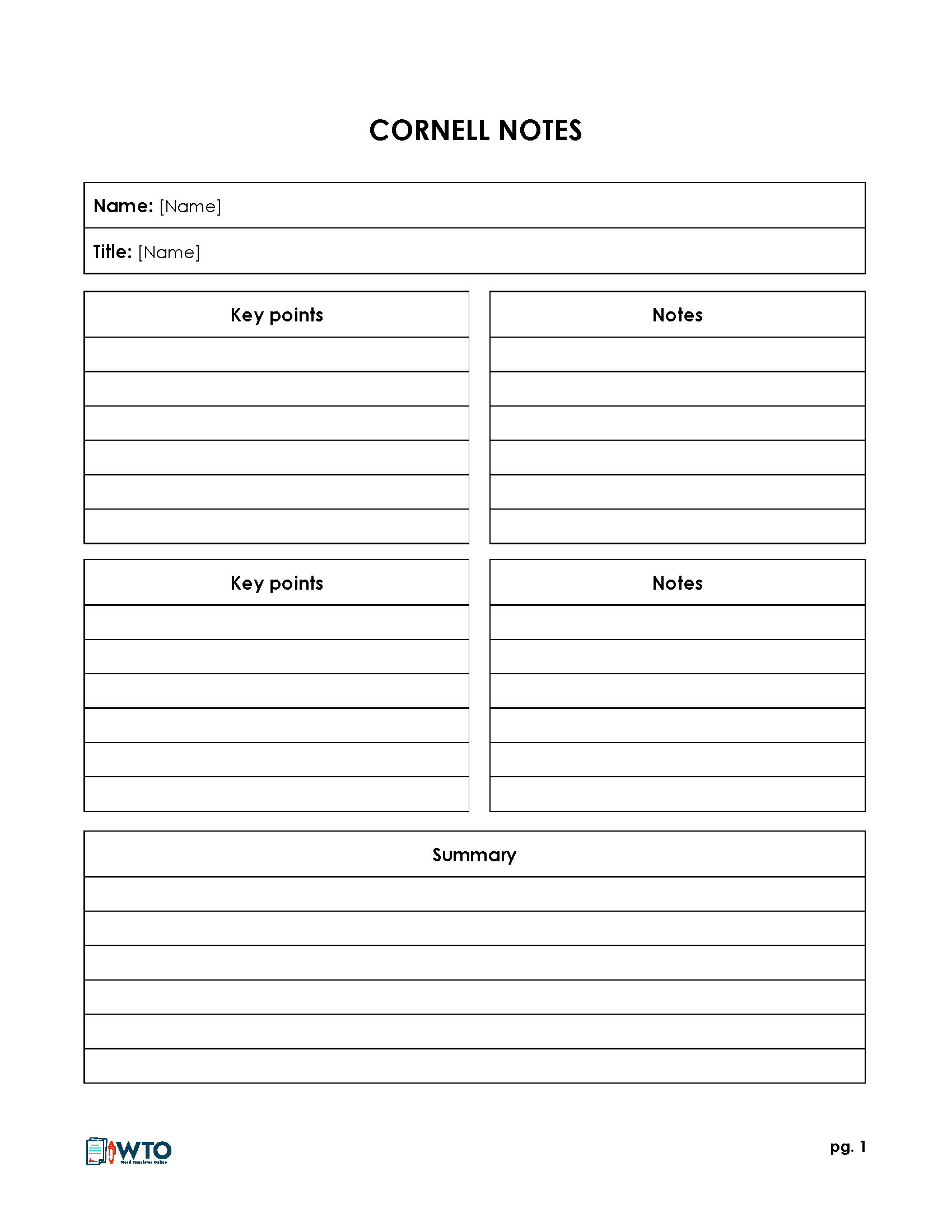
Organization and Storage: Instead of carrying multiple heavy notebooks, you can store years' worth of notes in neatly organized digital folders on your computer. You can categorize them by class, project, date, or topic, creating a personal, searchable knowledge base that is always at your fingertips.

Customization and Flexibility
A pre-made template is a starting point, not a rigid rule. A Microsoft Word template allows you to tailor your note-taking environment to your exact needs.

You can easily adjust the column widths, change the fonts and colors to improve readability, or add your own headers with course names and dates. More importantly, you can seamlessly integrate multimedia elements. Need to include a complex diagram from a presentation? Just copy and paste it into your notes. Found a useful online resource? Add a hyperlink directly in the text. This ability to create rich, dynamic documents makes digital Cornell notes far more powerful than their paper counterparts.
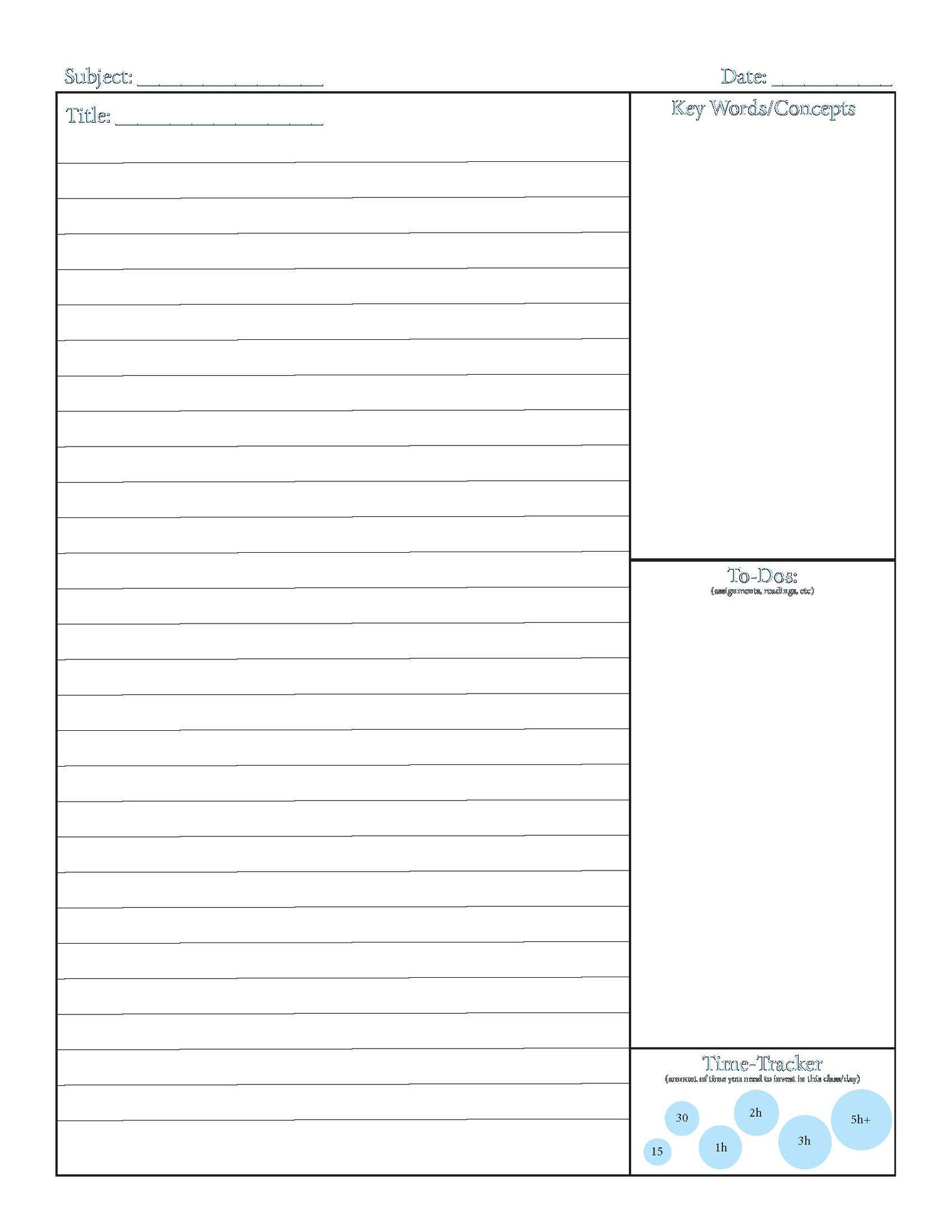
How to Use Your Cornell Note Taking Template Word Document
Getting started with a digital Cornell template is simple. The process follows the five "Rs" of the original system: Record, Reduce, Recite, Reflect, and Review. Here’s a step-by-step guide to integrating this method into your workflow using a Word document.
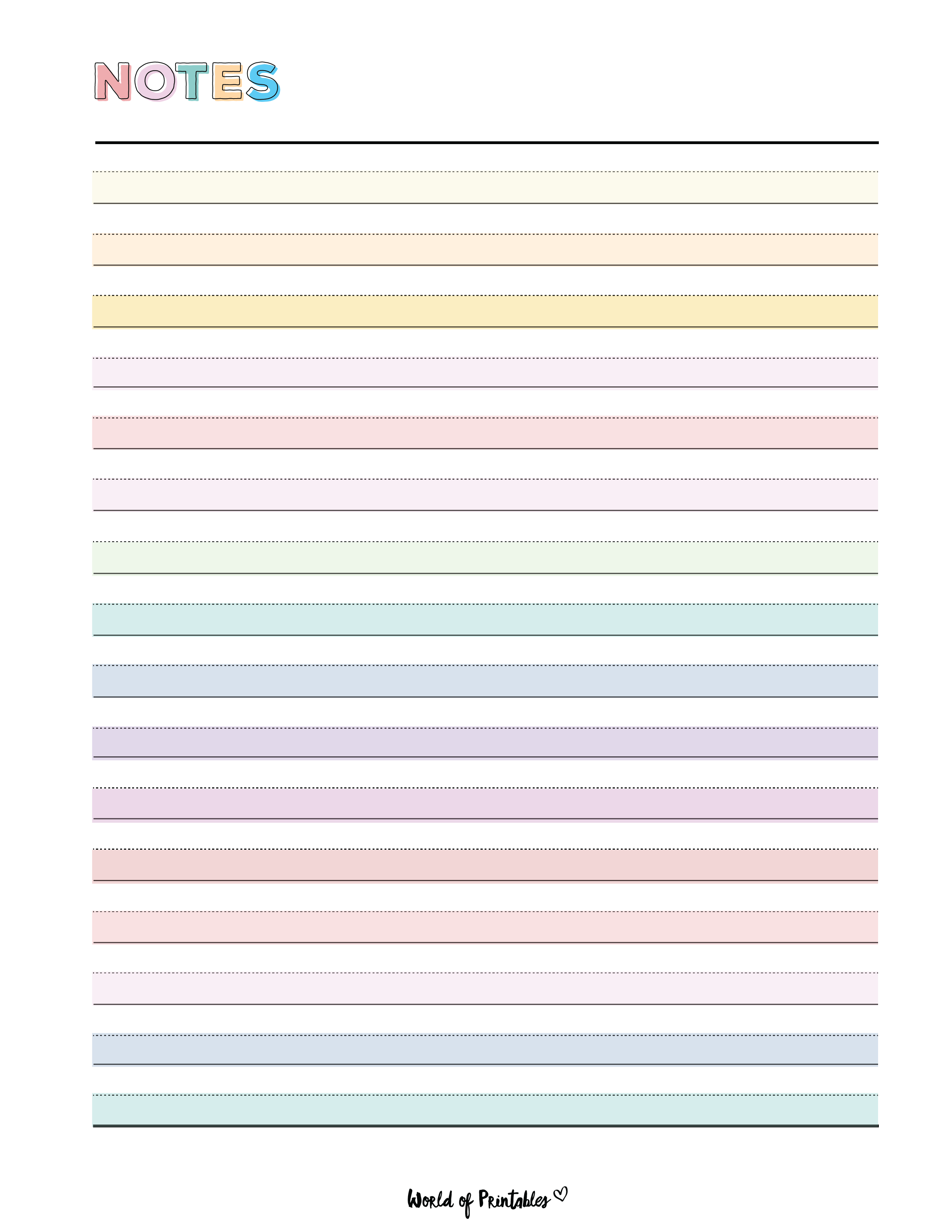
Step 1: Download and Save the Template
First, you need the template itself. Download the Word document from a reliable source and save it to your computer. For easy reuse, it's best to save it as a Word Template file (.dotx). To do this, go to File > Save As, and in the "Save as type" dropdown menu, select "Word Template (*.dotx)". This way, every time you open the file, it will create a new, untitled document based on the template, leaving your original template clean and untouched.
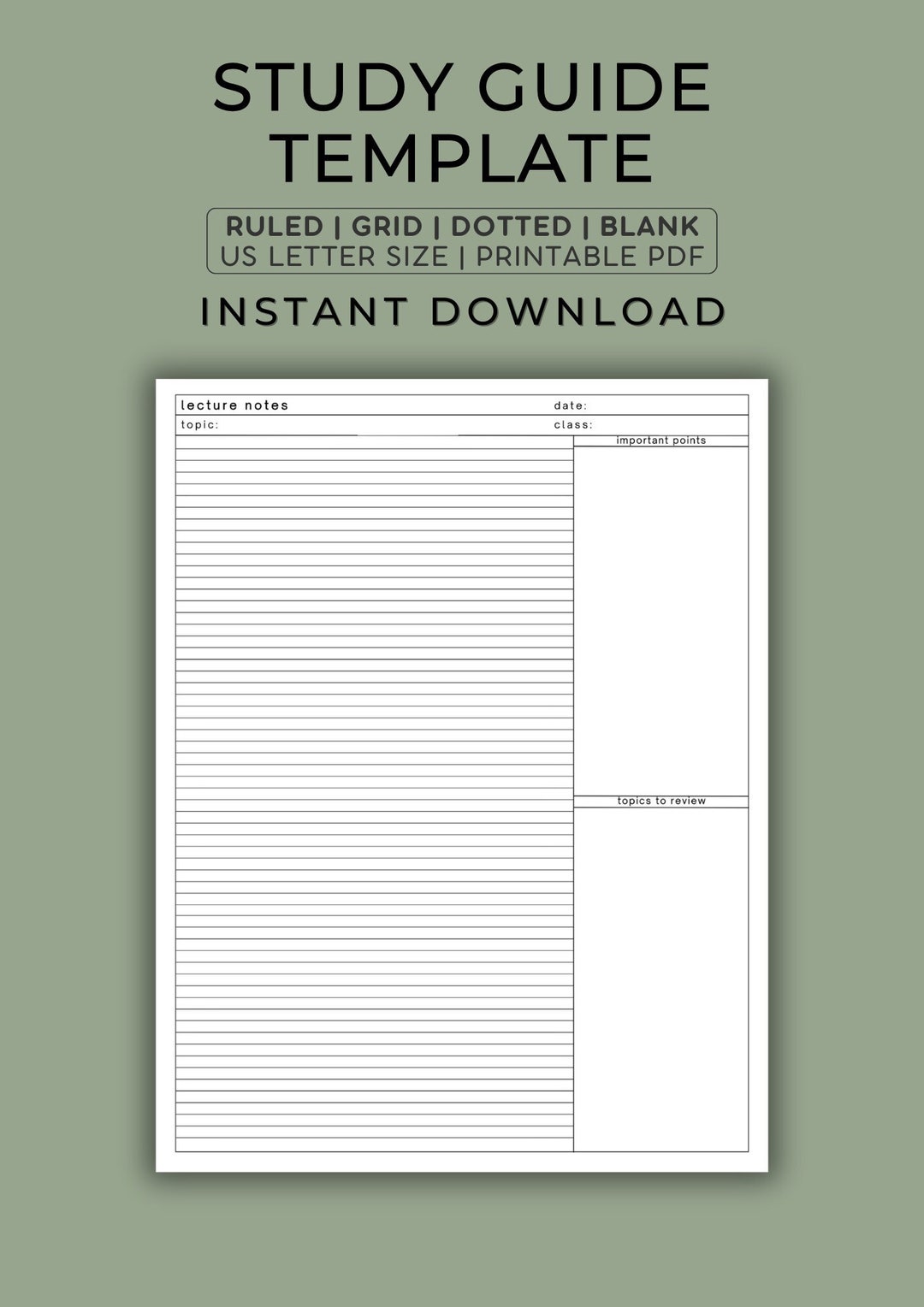
Step 2: During the Lecture or Meeting (The "Record" Phase)
Open your new document and start typing in the main notes area (the large right-hand column). Don't try to capture everything verbatim. Focus on listening and identifying the most important points.
- Use bullet points or numbered lists to structure information.
- Develop a system of shorthand and abbreviations for common terms.
- Skip lines between main ideas to visually separate concepts.
- If the speaker mentions something you don't understand, make a note of it with a question mark to look up later.
Step 3: Shortly After the Session (The "Reduce" and "Recite" Phases)
As soon as possible after the session ends, while the information is still fresh, it's time to process your notes. This is where the real learning begins.
Reduce: Read through your main notes. In the Cues Column on the left, pull out key terms, short questions, or main ideas that correspond to the notes on the right. For example, if your main notes describe the process of photosynthesis, your cue might be a simple question: "How does photosynthesis work?"
Recite: Now, cover the main notes column. Look only at the questions and keywords in your cues column. Try to answer the questions or explain the concepts out loud in your own words. This practice of active recall is scientifically proven to strengthen memory.
Step 4: Synthesizing the Information (The "Reflect" and "Summarize" Phases)
This step involves thinking about the material on a deeper level.
Reflect: Ask yourself questions about the material. How does this information fit with what I already know? What is the significance of these facts? Why are they important? You can add these reflections to your main notes area.
Summarize: In the Summary Section at the bottom of the page, write a brief summary (one or two sentences) of the information on that page. This forces you to synthesize the content and ensures you have a high-level understanding of it.
Step 5: Regular Review (The "Review" Phase)
For long-term retention, consistent review is key. Spend 10-15 minutes each day or a longer session once a week quickly reading over your notes. The Cornell system makes this incredibly efficient. You can simply read your summaries for a quick refresh or use the cues column to quiz yourself for a more in-depth study session.
Download Your Free Cornell Note Taking Template Word File Here
Ready to get started? We've created several clean, professional, and easy-to-use Cornell note-taking templates for Microsoft Word. They are fully editable and compatible with recent versions of Word, as well as other word processors like Google Docs and Apple Pages. Choose the layout that best suits your needs and download it for free.
Choose Your Preferred Layout
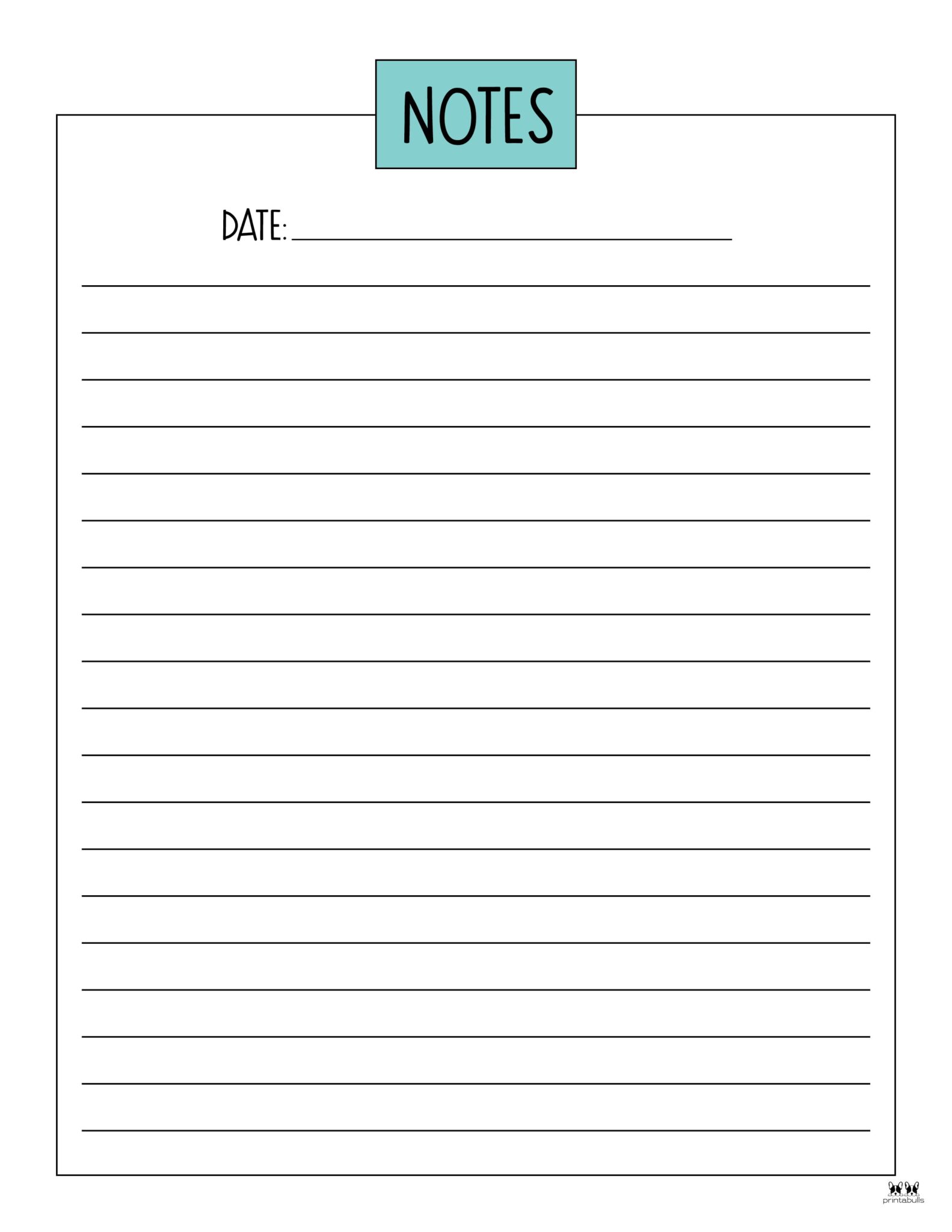
- Classic Lined Template: Perfect for those who like the structure of a traditional notebook. The lines in the main notes area help keep your writing neat and organized.
- Modern Unlined Template: A minimalist design with a clean, open layout. This is ideal for those who prefer to incorporate diagrams, mind maps, or other visual elements into their notes.
- Grid Template: The main notes area features a light grid, which is excellent for subjects like math, engineering, or design where you need to draw precise graphs, tables, or figures.
Download Instructions
To download, simply click the link for your desired template. The file will download directly to your computer as a .docx file.
[DOWNLOAD CLASSIC LINED TEMPLATE - .DOCX]
[DOWNLOAD MODERN UNLINED TEMPLATE - .DOCX]
[DOWNLOAD GRID TEMPLATE - .DOCX]
Once downloaded, open the file in Microsoft Word. We recommend immediately saving it as a Word Template (.dotx) file so you can easily create new note documents without overwriting the original.
Tips for Maximizing Your Note-Taking Efficiency
Once you have your template, you can use a few extra strategies to make your digital note-taking even more effective.
Develop a Personal Shorthand
To keep up with fast-paced lectures, create your own set of symbols and abbreviations for frequently used words. For example: w/ (with), b/c (because), → (leads to/results in), ∴ (therefore), Δ (change). Having a consistent system will dramatically increase your note-taking speed.
Use Color-Coding
Leverage the power of color to organize your notes visually. Microsoft Word makes it easy to change font colors. You could assign a specific color for key vocabulary, another for important dates, and another for formulas or action items. This makes scanning your notes for specific types of information much faster during review.
Don't Be Afraid to Leave Space
One of the great advantages of a digital document is unlimited space. Leave plenty of white space around your notes. This not only makes them easier to read but also gives you room to add more thoughts, questions, or clarifications later on as you review and reflect on the material.
Integrate with Other Digital Tools
Your digital notes don't have to live in isolation. You can create hyperlinks within your Word document that point to online resources, articles, or videos. If you use a task manager like Microsoft To-Do or a calendar app, you can create tasks or events directly from your notes to remind you to review a certain topic or complete an assignment related to it.
Conclusion
The Cornell Note-Taking System is a time-tested method for transforming passive listening into active learning. It provides a clear structure that promotes understanding, retention, and efficient review. By combining this powerful system with the flexibility and convenience of a digital format, the Cornell Note Taking Template Word document becomes an essential tool for any serious student or professional.
By using the templates and following the steps outlined in this guide—Record, Reduce, Recite, Reflect, and Review— you can build a comprehensive and searchable knowledge base that will serve you well in your academic and professional pursuits. The initial effort to adopt this system is a small investment that pays huge dividends in clarity, organization, and long-term knowledge retention. Download your free template today and take the first step toward smarter, more effective note-taking.
0 Response to "Free Cornell Note Taking Template Word Download"
Posting Komentar